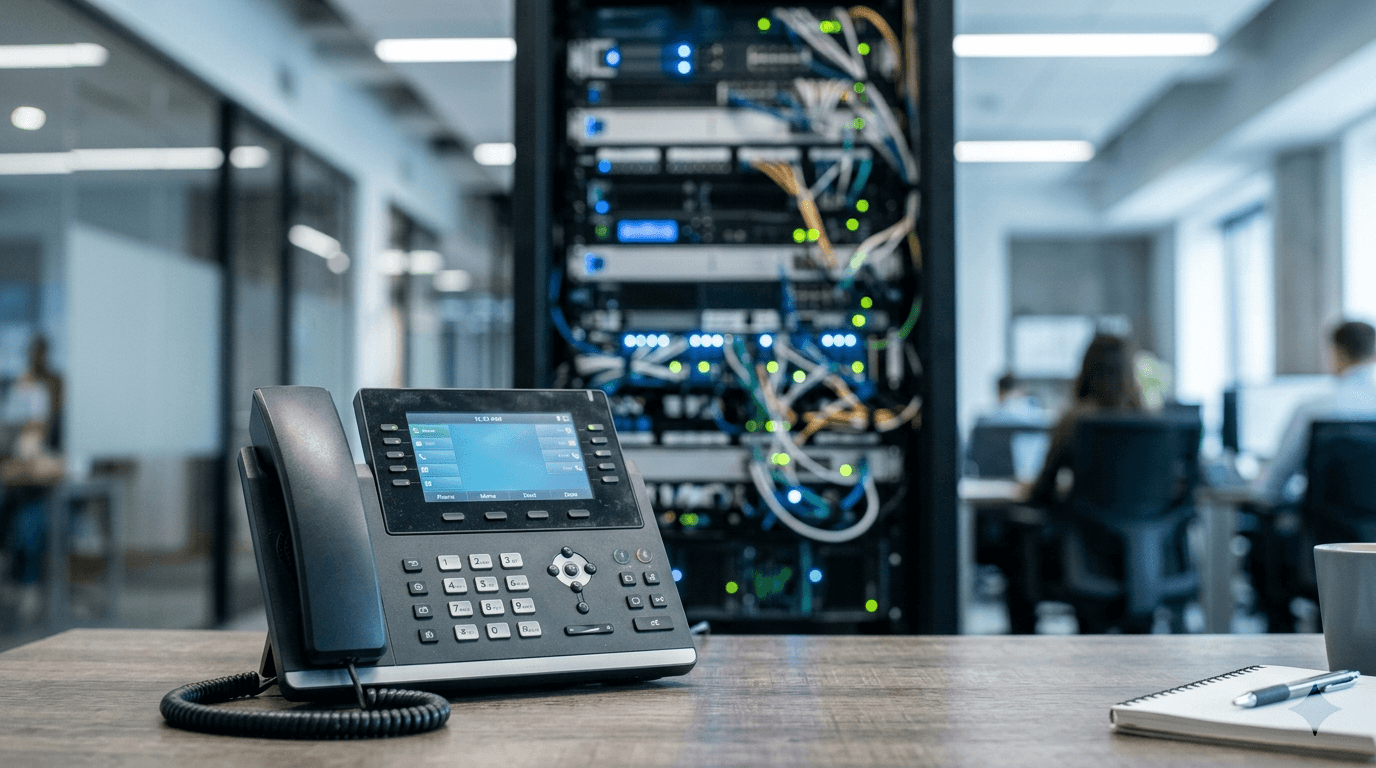
What is hosted PBX and how does it work?

Business phone systems used to mean a room-sized box of circuit boards in a wiring closet, a specialist on retainer to maintain it, and a capital expenditure on the balance sheet. Hosted PBX moved all of that off-site. The system still routes calls, manages extensions, and handles voicemail and auto-attendants - your employees just do not need to know or care where the hardware lives, because it sits in the provider's data center.
What follows is a plain-language explanation of what a PBX is, how the hosted version works, what features come with it, how it stacks up against buying your own hardware, and what kind of business is the right fit.
What a PBX is
A PBX - Private Branch Exchange - is the system that manages phone calls inside a business. It gives everyone an extension, routes incoming calls to the right person or department, plays hold music, and handles internal calls without going through the public phone network. When a caller dials your main number and presses 2 for sales, that is the PBX at work.
For most of business phone history, a PBX was a physical system - a rack of hardware in a wiring closet, hardwired to phones throughout the building. Hardware plus installation often ran tens of thousands of dollars for a mid-sized business, plus an ongoing support contract with a telecom specialist who would come out to add lines, fix problems, or reconfigure things when staff changed. It worked. It was also expensive, inflexible, and tied to one location. If your company opened a second office or had staff working remotely, the traditional PBX required real engineering to accommodate that.
What "hosted" means
The provider runs the PBX software in their cloud data centers and you reach it over the internet. There is no physical PBX at your office. The software that handles routing, extension management, and features lives on servers you never see. Your phones and laptop apps register to the provider's system the same way an email client connects to a mail server.
You are buying a service, not a system. There is nothing to buy up front beyond the phones themselves - and even those are optional if your team uses softphone apps on laptops and mobile devices. The provider handles maintenance, upgrades, redundancy, and capacity. When you add five employees or open a new location, you add seats in a web dashboard. Features ship automatically. You never patch the PBX, replace a circuit board, or schedule a maintenance window. That responsibility shifts entirely to the provider.
How hosted PBX works
Calls travel as VoIP - Voice over Internet Protocol - meaning your voice is converted into data packets and sent over the internet, the same way a file upload travels. The provider's cloud handles routing, extensions, connection to the public phone network, and the logic behind features like auto-attendants and call queues.
When a call comes in: the caller dials your business number, it enters the public switched telephone network (PSTN), and arrives at the provider's cloud system via SIP trunks - Session Initiation Protocol connections that bridge the traditional phone network and the internet. The cloud PBX reads your routing rules and sends the call where it needs to go. That could be a desk phone on the office network, a softphone app on a laptop, or a mobile app - wherever the target extension is registered at that moment.
Because phones register to the cloud over the internet, employees in different locations appear as extensions on the same system. Call routing follows the person, not the desk. Someone working from home has the same extension and the same routing rules as someone in the office. Callers cannot tell the difference.
Bandwidth requirements are modest. A standard VoIP call uses roughly 80 to 100 kilobits per second per active call, depending on the codec the provider uses. A business running 10 simultaneous calls needs about 1 Mbps reserved for voice - a small fraction of most business internet connections. What matters more than raw bandwidth is network quality. Packet loss, jitter (variability in how packets arrive), and high latency all degrade audio noticeably and quickly. Even a brief spike in packet loss can make a call sound choppy or cause it to drop. Most providers recommend configuring QoS (Quality of Service) rules on your router to prioritize voice traffic over other internet activity, so a large file download or a video call does not compete with your phone system for bandwidth.
Features you get
Most hosted PBX plans include features that would have required expensive hardware add-ons in a traditional on-premise system. The exact lineup varies by provider and pricing tier, but most plans cover:
- Auto-attendant and IVR (Interactive Voice Response) - the menu that greets callers and routes them based on what they press. Greetings and call flows are configured in a web portal, no phone technician needed.
- Voicemail-to-email - voicemails are converted to audio files and delivered to the user's email inbox, often with a text transcript included.
- Ring groups and call queues - incoming calls can ring multiple phones at once, or enter a queue for the next available agent.
- Extensions and direct inward dial numbers - every user gets an internal extension, plus a direct outside number if needed.
- Call recording - record all calls, selected calls, or on demand. Useful for training, compliance, and dispute resolution.
- Mobile and desktop softphone apps - use a laptop or smartphone as a full extension, with the same call handling as a physical desk phone.
- Analytics and reporting - dashboards covering call volume, hold times, missed calls, and individual call logs.
- Call forwarding, transfer, and conferencing - standard call management that works across locations and devices.
- CRM and tool integrations - many providers connect to Salesforce, HubSpot, Microsoft Teams, or Slack so call data flows into the tools your team already uses.
Hosted PBX vs on-premise PBX
The comparison below covers the factors that most businesses want to understand before choosing between the two approaches.
| Factor | Hosted PBX | On-premise PBX |
|---|---|---|
| Upfront cost | Low - monthly per-seat fee; phones are the main hardware cost | High - hardware plus installation often runs $10,000 to $100,000 or more for a mid-sized business |
| Maintenance | Provider handles updates, repairs, and redundancy | Your IT team or a contracted telecom specialist; ongoing support agreements needed |
| Scalability | Add or remove seats in a web dashboard in minutes | Requires hardware changes and typically a technician visit |
| Remote work | Works from any location with a reliable internet connection | Designed for in-office use; remote access requires VPN or additional hardware |
| Reliability responsibility | Provider owns system uptime; your internet quality affects call quality | You own and operate the hardware; reliability depends on your on-site equipment and staff |
Who hosted PBX is for
Most small and mid-sized businesses without a dedicated telecom team will find hosted PBX easier to run than an on-premise system. You configure everything through a browser - greetings, extensions, routing rules, user settings - and the provider handles everything underneath. There is no specialist to call when something needs to change.
Remote and hybrid teams are where the difference is most obvious. An employee at home has the same extension and routing rules as someone in the office. No VPN setup, no special configuration per location. Calls follow the person, not the building.
The one real requirement is a reliable internet connection. Not necessarily high bandwidth - a 10-person office needs only about 1 to 2 Mbps for voice during peak hours - but consistent quality. Packet loss or jitter shows up immediately as choppy or dropped audio. If your internet is unreliable, sort that out before deploying a hosted phone system. The software will not hide a bad connection. Many businesses that run hosted PBX also keep a cellular failover device or a second internet connection on standby so that a single ISP outage does not take down the phone system.
On phones: most businesses can reuse SIP-compatible IP desk phones they already own. Analog phones need an ATA (Analog Telephone Adapter) to convert the signal to SIP. Many teams skip desk phones altogether and use softphone apps on laptops and mobile devices. The hardware requirement is genuinely flexible - you can run a full business phone system without a single physical phone if that fits how your team works.
Businesses that might prefer an on-premise system: regulated industries with strict data residency requirements that prevent call data from leaving certain geographic boundaries, organizations that need granular control over call infrastructure, or companies that recently invested in existing hardware and want to run it longer before switching. For most businesses outside those categories, hosted PBX costs less to get started, needs no specialist to maintain, scales without a service call, and works across locations from day one.
Frequently Asked Questions
Senior Staff Writer
Alex has covered telecom, smartphones, and business communications for eight years. Before DeltaThree, he tested gear for a carrier trade publication and ran the wireless desk at a consumer tech site. He pays his own phone bill.