What is a softphone and how does it work?

Most businesses still picture a phone as something that sits on a desk. A softphone changes that. It is a software app on your computer, tablet, or smartphone that makes and receives calls the same way a physical phone does, with no hardware beyond the device you already own.
The "soft" in softphone means software, not hardware. Instead of a handset wired to a wall jack, the app connects to your VoIP or cloud PBX provider over the internet, registers your business number, and handles the same call functions as a desk phone. For remote teams and businesses that want to skip hardware costs, that difference is worth understanding.
What a softphone is
A softphone is not a phone service. It is a client app that works with an existing VoIP or cloud PBX account. The closest comparison: Outlook or Gmail on your laptop is not the email service, it is the interface connecting you to the service. A softphone works the same way for business voice calls.
Sign in to the app and it registers your business number with your VoIP provider. Calls to that number ring in the app. You dial out through it, and the recipient sees your business number on caller ID. Transfers, hold, voicemail, call history - all of it runs through the app, not a phone on your desk.
Softphones run on Windows and macOS computers, tablets, and iOS and Android smartphones. Most VoIP providers bundle their own softphone app with the service. Open SIP softphone apps are also available for providers that hand you SIP credentials directly.
How a softphone works
The protocol underneath is SIP, or Session Initiation Protocol. When the app opens, it signs in to your provider's SIP server using the credentials they gave you. That registration tells the provider where to send calls for your number.
When you dial out, the app converts your voice into data using a codec - a compression format that trades off audio quality against bandwidth. That data goes over your internet connection to the provider's servers, which bridge the call out to the regular telephone network. The person you are calling does not need VoIP.
Incoming calls run the same path in reverse. Someone dials your number, it hits your provider, and the provider routes it to your registered app. Audio goes through your headset, your smartphone speaker, or whatever is connected at the time. From the other person's end, it is a normal phone call. From yours, it is running entirely over your internet connection.
Bandwidth needs are modest: a single call uses roughly 85 to 100 kilobits per second in each direction, so even a basic connection can handle several at once. What matters more than raw speed is a stable connection with low jitter, since dropped or late data packets are what make a call sound choppy. That is why a wired connection or strong Wi-Fi beats a marginal one, even when the marginal one shows plenty of megabits on a speed test.
Softphone vs desk phone
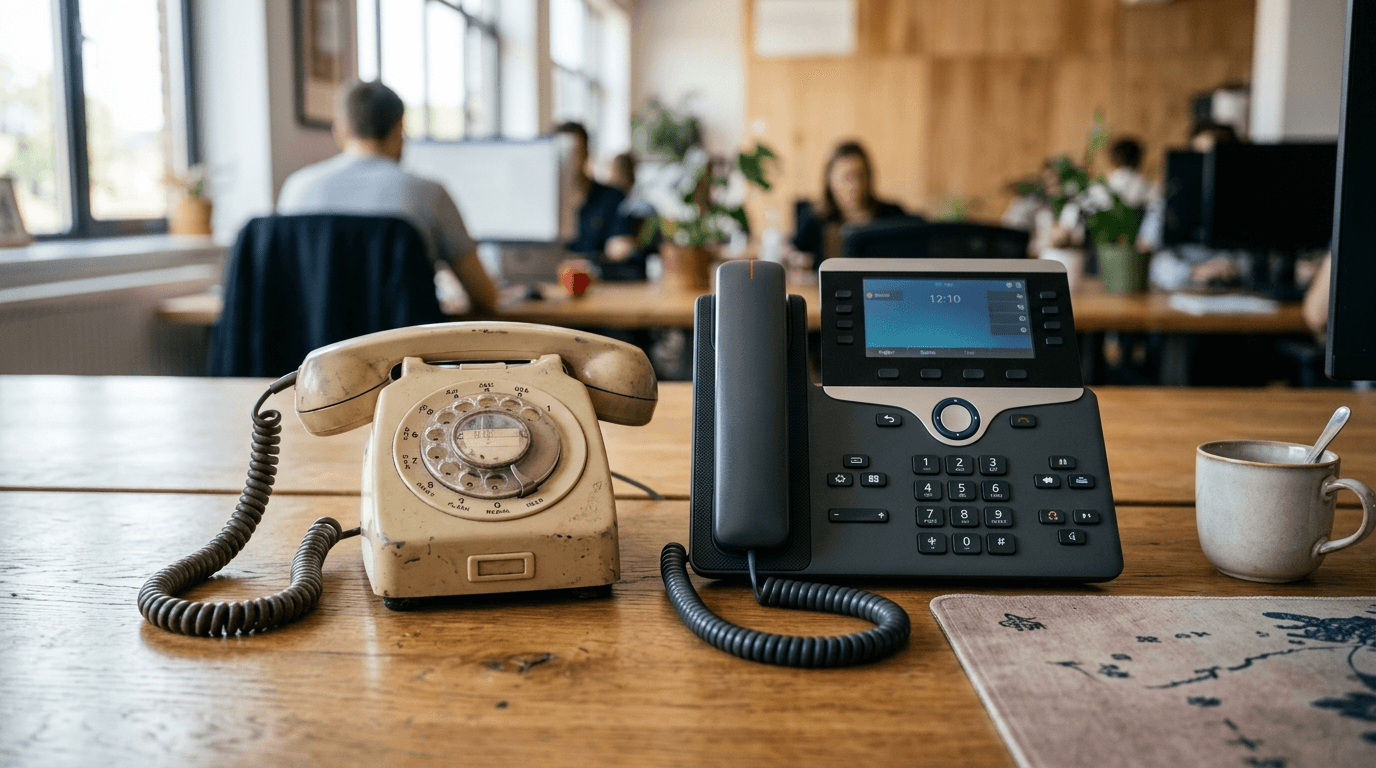
Both types connect to your VoIP provider and cover the same core call functions. The differences are hardware, flexibility, and what someone is actually sitting in front of.
| Factor | Softphone | Desk phone |
|---|---|---|
| Hardware needed | None beyond a device you own | A physical IP phone per seat |
| Mobility | Works anywhere you have internet | Stays on the desk |
| Call controls | On-screen, plus keyboard shortcuts | Physical buttons and a handset |
| Best for | Remote and hybrid work, lower cost | Fixed desks, heavy call volume |
A lot of businesses run both. A receptionist might keep a desk phone as their main device while the same VoIP account also runs on a softphone for when they step away. Same business number, two devices, one account.
What you get with a softphone
A softphone puts your full business phone setup into an app. Your number travels with you, and so do the features that come with a business phone system.
- Your business number, so outbound calls show it and inbound calls ring the app wherever you are.
- Standard call controls: transfer, hold, mute, and conference.
- Voicemail, often delivered to email, plus your full call history in one place.
- Extras many providers bundle in, like video meetings, team chat, and presence that shows who is available.
What you need to use one
The requirements are lighter than setting up physical phone hardware.
- A VoIP or cloud phone provider account - the softphone connects to it and is not a service on its own.
- The provider's softphone app, or an open SIP softphone if you have SIP credentials.
- A reliable internet connection with a little upload headroom for clear calls.
- A decent USB or Bluetooth headset with a noise-cancelling mic for the best audio.
Call quality depends on two things: the connection and what you are speaking into. A USB or Bluetooth headset with a noise-cancelling microphone is the most practical upgrade a softphone user can make. It cuts most of the background noise, echo, and muffled audio that make home-office calls sound worse than conference-room calls.
One setup detail specific to softphones: because the app can move between locations, register your current physical address with the provider for emergency 911 calls. A softphone does not automatically know where you are the way a fixed line does, so keeping that address current is what lets responders reach the right place if anyone dials 911 from the app.
Who softphones are for, and the tradeoffs
Softphones work well in a few common situations. Remote and hybrid workers get their business number from any location without waiting for a hardware install. Small businesses skip the cost of buying handsets for every seat. Anyone who splits time between a home office and a client site stays reachable on the same number.
- The call depends on the device being on and your internet being up - no power or connection, no calls.
- Audio quality leans on your connection and your headset more than a dedicated desk phone does.
- A computer brings more distractions than a single-purpose phone.
Most business teams find the flexibility worth it. But for roles where availability and audio quality are critical, like a busy support line or a front-desk position, many businesses keep a desk phone in place for daily use and add a softphone for off-site coverage, rather than treating one as a full replacement for the other.
Frequently Asked Questions
Senior Staff Writer
Alex has covered telecom, smartphones, and business communications for eight years. Before DeltaThree, he tested gear for a carrier trade publication and ran the wireless desk at a consumer tech site. He pays his own phone bill.