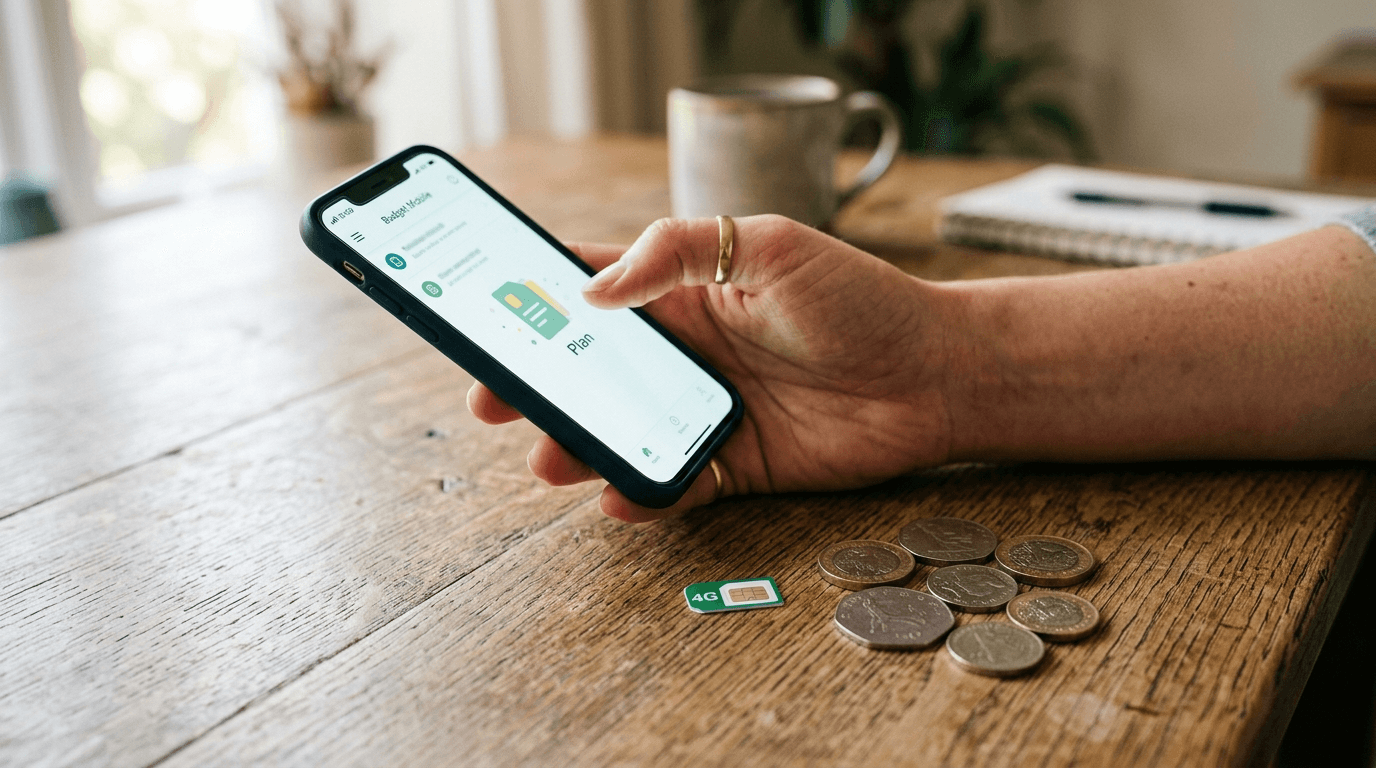
How to switch cell phone carriers without losing your number

Number porting is less complicated than it sounds. Most people get tripped up by one thing: doing it in the wrong order. Cancel the old account before the port is done and you risk losing the number permanently. Get the sequence right and the rest is mostly filling in a few fields.
This guide walks through what porting actually is, the exact information to gather before you start, the step-by-step sequence, how long it takes, how eSIM changes the process, and what to do when a transfer stalls. None of it is hard. The order is what matters most.
What number porting is
Local Number Portability (LNP) is a federal right. The FCC put it in place so you own your phone number regardless of which carrier holds it. Your carrier has to release the number when you request a port. It cannot block the transfer, charge you for it, or require you to finish out a contract first.
The process runs between the two carriers. You kick it off with the new one, not the old one. The old carrier does not need to hear from you before the port starts, and calling them to cancel early is the most common way people accidentally lose their number.
Before you switch
Do not cancel your old service before the port finishes. The number needs to stay active on the old carrier right up until the transfer completes. Cancel too early and the number goes back into the pool and can be reassigned.
Pull these four things from your current account before signing up with the new carrier:
- Account number. On your bill or in the carrier app, look for "Account Number" or "Billing Account Number."
- Transfer PIN or porting PIN. Not your account password. FCC rules require carriers to issue this separately. Most let you generate one in their app under security settings, listed as "Port Out PIN," "Transfer PIN," or "Number Transfer PIN."
- Billing ZIP code. The ZIP on the account when it was opened, which may differ from where you live now.
- Name on the account, exactly as the carrier has it, with the same spelling and formatting.
Two more things before you kick it off:
- Confirm your phone is unlocked. On iPhone, check Settings > General > About > Carrier Lock. Most phones unlock once device payments are done, but check rather than assume.
- Back up your phone. If something goes sideways during SIM or eSIM activation, a recent backup means you lose nothing.
How to port your number, step by step
- Sign up with the new carrier and choose to keep your current number, not get a new one. The option usually appears during checkout.
- Enter your account number, transfer PIN, and billing ZIP exactly as they appear on the old account. A single wrong digit fails the port.
- Complete the purchase and activate the new SIM or eSIM.
- Wait. You will usually get a confirmation text or email. Cell to cell, expect minutes to a few hours.
- Test a call, a text, and mobile data before you do anything else.
- Once the port completes, your old line cancels automatically. No call to the old carrier needed.
How long porting takes
Cell to cell, one mobile carrier to another, is the fastest. Most ports wrap up in minutes to a few hours. Smaller carriers or ports that flag for manual review can stretch to 24 hours.
Landline to wireless takes longer: two to seven business days, typically. VoIP numbers are in the same range. If the number is tied to a business, plan around that window.
Expect a brief service gap, usually a few minutes, while the SIM activates and the transfer finalizes.
Porting to an eSIM
More carriers now default to eSIM, the digital SIM built into most phones from the last few years. Porting to an eSIM works exactly like porting to a physical SIM: you provide the same account number, transfer PIN, and billing ZIP, and the number moves the same way. The only real difference is activation. Instead of waiting for a card in the mail, you scan a QR code or tap through the new carrier's app, and the line activates in a few minutes.
If you are changing phones as well as carriers, set up the new phone and add its eSIM during the transfer, then start the port. Keep the old phone powered on until calls and texts confirm on the new one. If your phone supports dual SIM, you can keep the old line active on one SIM while you test the new carrier on the other, then cancel the old plan only after the port has fully landed and you have confirmed service.
If your port gets stuck
A stalled port is almost always a data mismatch. Common causes:
- Account number pulled from memory instead of a bill, which makes it easy to transpose a digit
- Transfer PIN expired. Many expire after 24 to 48 hours, so regenerate if yours is old.
- Name on the new account does not match the old carrier's records exactly
- Billing ZIP from your old address, before a move
When something stalls, contact the new carrier's support, not the old one. They own the porting process and are the right people to push it through. Keep the old account active and do not pay to cancel it while the port is in flight.
Rare edge case: a carrier delays a port for a fraud review. If you believe your transfer is being improperly blocked, you can file a complaint with the FCC at fcc.gov.
After the port completes
Make and receive a test call from an outside number. Send and receive a text. Check mobile data. Then set up voicemail on the new carrier, because your old mailbox does not carry over.
Cancel autopay on the old account and watch for one final bill. Carriers bill in cycles and sometimes charge a partial month after the port date. Return any leased gear like hotspots or routers, and document it so there is a paper trail if disputed charges come up.
Frequently Asked Questions
Senior Staff Writer
Alex has covered telecom, smartphones, and business communications for eight years. Before DeltaThree, he tested gear for a carrier trade publication and ran the wireless desk at a consumer tech site. He pays his own phone bill.