How to charge your phone faster

Charging your phone faster usually comes down to one thing: something in the chain is limiting the speed. Nine times out of ten it is the charger, the cable, or a habit you can change in under a minute.
Speed is limited by the weakest link. The charger's wattage, the cable's rating, and the phone's own max charge rate all cap what you get. A great charger plugged into a bad cable is a slow charger. A 100-watt charger on a phone that tops out at 25 watts charges at 25 watts. Find the bottleneck and the fix tends to be obvious.
Why charging speed varies
Your phone, your charger, and your cable all have to cooperate. Any one of them can be the ceiling, and the phone does not tell you which one it is.
The charger sets the first limit. A 5-watt brick pushes 5 watts, period. A 65-watt charger can deliver up to 65 watts, but only if the cable and phone can both take it.
The cable is the second one. Thin, worn, or cheap cables restrict current. Even if your charger and phone both support 30 watts, a bad cable might only carry 10.
The phone sets the final ceiling. Every phone has a maximum charge rate built into its hardware. If it tops out at 25 watts, it charges at 25 watts no matter what the charger is rated. No charger overrides that.
Heat matters too. When a phone gets warm, it dials back the charge rate automatically to protect the battery, so a hot phone charges slowly even with the best hardware. Battery level plays in as well: fast charging is most aggressive from 0 to 80 percent, and past that the phone deliberately slows down to reduce stress on the cells. The last 20 percent always takes longer, and that slowdown is by design.
Use a charger with enough wattage
Most phones fast-charge over USB-C using Power Delivery, usually called PD. For most phones, the sweet spot is around 20 to 30 watts. Some flagships go higher - 45, 65, even 120 watts for a handful of models - but the mid-20s covers most of what is sold today.
If you are still on the 5-watt USB-A brick that came with an old phone, a 20-watt USB-C PD charger is the single biggest improvement you can make. The difference is not subtle.
A charger rated higher than your phone's max is not a problem. A 65-watt charger on a 25-watt phone charges at 25 watts. The phone negotiates the rate with the charger, and the charger backs off to match. You are not going to fry anything.
The right call: check your phone's rated charging speed on the manufacturer's page or the spec sheet in the box, then get a charger that meets or slightly exceeds that number. The biggest charger on the shelf is not the goal. The right one for your phone is.
Use a good cable
People overlook the cable constantly, and a bad one quietly kills speed.
For USB-C fast charging at 20 to 30 watts, you need a USB-C to USB-C cable. The older USB-A to USB-C cables cap out around 18 watts even with a more powerful charger on the other end. A cable marketed as a "charging cable" but not a data cable may use thinner wire and struggle at higher loads.
At 60 watts or more, look for an e-marked cable. The e-marker chip lets the cable and charger talk to each other and confirm the cable can handle the power. Without it, the charger lowers its output as a safety measure. High-wattage chargers usually include a matching cable; if yours did not, check the wattage spec and buy accordingly.
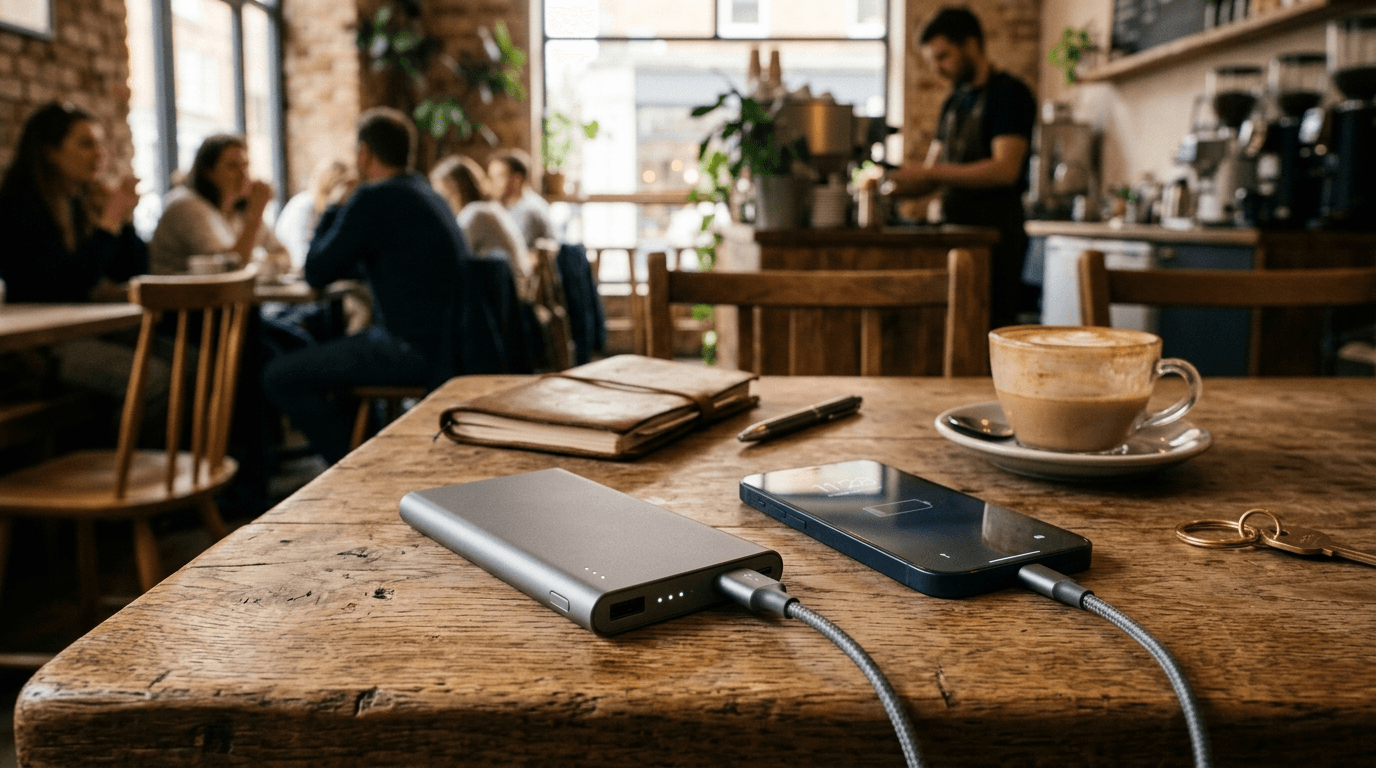
Watch for signs the cable is your bottleneck: a loose connector, the cable running warm near the ends during charging, or speed that was fine and then dropped for no apparent reason. Swap in a known-good cable before you buy anything else.
Charge from a wall outlet, not a computer
Plugging into a laptop USB port is slow. A standard USB-A port on a computer delivers around 2.5 watts, and USB 3.0 gets you up to about 7.5 watts. For reference, that is around what the small chargers bundled with phones a decade ago delivered.
A wall USB-C PD charger at 20 to 30 watts is three to six times faster than that. If you have been charging from your laptop and wondering why you barely gain any battery, you have your answer.
Some newer laptops do have Thunderbolt or high-output USB-C ports rated for 15 to 100 watts, so those are worth checking on the spec sheet. But the standard USB-A ports most people are plugging into were not built for phone charging.
Habits that speed up charging
The hardware matters most, but what you do during charging has a real effect.
- Turn on airplane mode. Cellular, Wi-Fi, Bluetooth, and background apps all draw power; with them off, almost everything the charger pushes goes to the battery.
- Power the phone off, which is even better than airplane mode, since the phone pulls almost nothing when it is off.
- Put it down. The screen is the biggest consumer on most phones, and scrolling while it charges can leave you with barely more battery than you started with.
- Keep it cool. No charging under a pillow or in a hot car, since heat throttles the charge rate and wears the battery; a hard surface in a cooler room is better.
- Target 0 to 80 percent. If you are in a hurry, plug in when the battery is low and pull the cable around 80, since the last 20 percent slows down regardless of the charger.
Wireless charging is slower
Wireless charging is convenient, but it is slower and runs warmer than wired charging at comparable wattage. Standard Qi tops out at 5 to 15 watts and generates more heat, which often triggers the phone's throttle.
Proprietary fast-wireless options, like Apple MagSafe or Samsung's fast-wireless charging, are quicker than basic Qi. MagSafe charges supported iPhones at up to 25 watts with a compatible charger. That beats a 5-watt cable, but it still typically falls behind a good wired PD setup.
If speed matters, use a cable. Wireless is fine for overnight charging or casual top-ups when time is not the issue.
Fast charging and battery health
Modern fast charging is safe at the wattages phone makers advertise for their devices. The battery degradation worry is real, but the cause is heat, not wattage.
Lithium-ion batteries wear faster when they run hot. Charging on a pillow, in a car, or on a heat-trapping surface does more damage than the wattage does. Keep it ventilated and the battery will hold up longer.
Most phones now have some version of adaptive or optimized charging. On iPhone it is Optimized Battery Charging; Pixel and Samsung have similar features under different names. They work the same way: if you plug in at night, the phone charges to 80 percent and holds there until just before you typically wake up, so it finishes at 100 without sitting at full charge for hours, which is what actually stresses the cells over time.
Staying between about 20 and 80 percent day to day does extend battery life. That said, the occasional full charge will not hurt a modern battery in any meaningful way. For more on keeping the battery healthy long term, see our phone battery guide.
Frequently Asked Questions
Senior Staff Writer
Alex has covered telecom, smartphones, and business communications for eight years. Before DeltaThree, he tested gear for a carrier trade publication and ran the wireless desk at a consumer tech site. He pays his own phone bill.