How many years do smartphones last?

Your smartphone is one of the most expensive things you carry every day, yet carriers push a two-year upgrade cycle as though it were a law of nature. It is not. A modern phone can physically keep running for five or more years. What actually limits the timeline is how fast the battery fades and when software updates stop.
Both are answerable for your specific phone. Once you know them, you can decide whether to upgrade, repair, or keep holding on.
How long a smartphone physically lasts
The frame, processor, and radio chips in a modern phone do not have a countdown timer. In the right conditions, they can keep functioning for a decade. The limiting factor is not the silicon. It is the battery.
Lithium-ion batteries are rated for roughly 500 to 1,000 full charge cycles before they degrade toward 80 percent of their original capacity. One full cycle is a drain from 100 percent to zero, or the equivalent spread across partial charges. At one cycle per day, that puts 80 percent battery health around two to three years of normal use. Once capacity drops below 80 percent, most people feel it: the phone needs charging by midday, the processor throttles to protect the weakened cell, and some phones cut off unexpectedly at 20 or 30 percent.
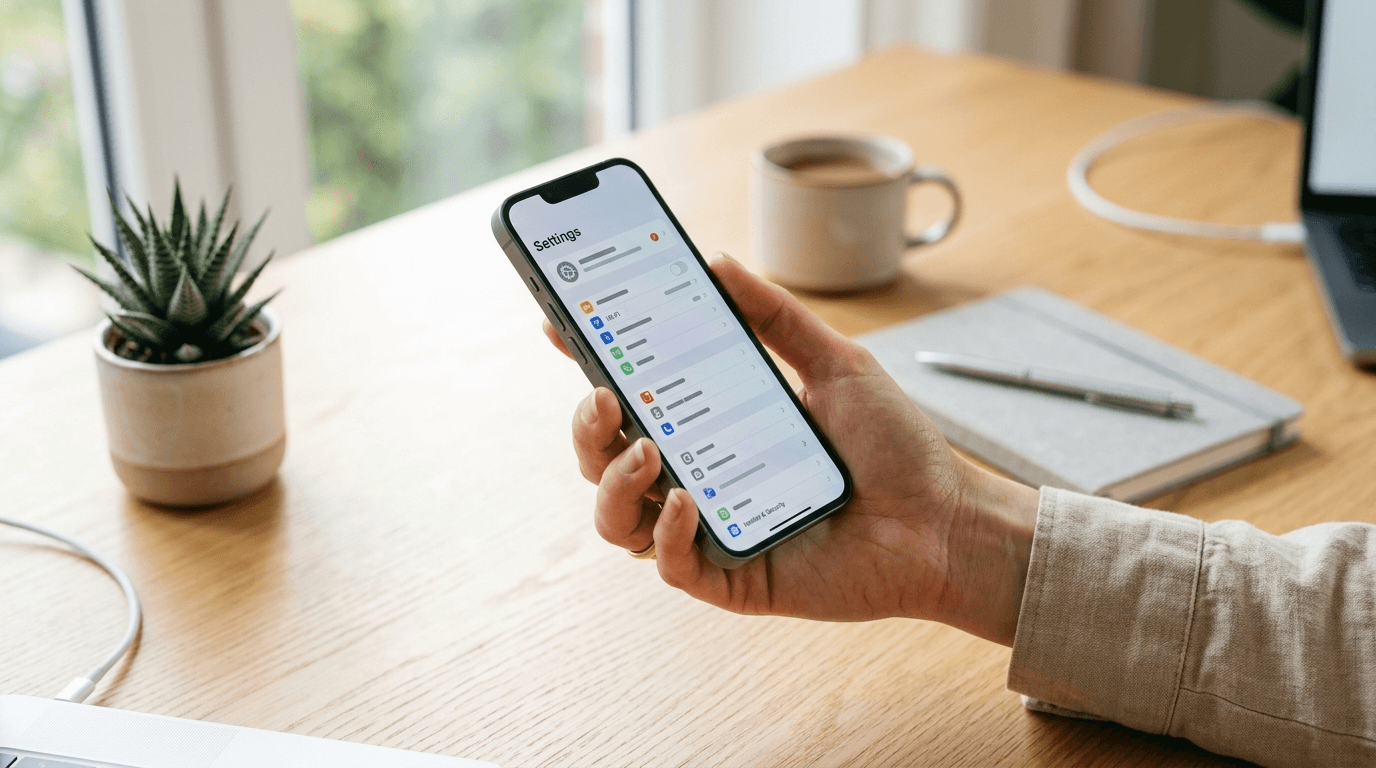
Battery health is easy to check. On an iPhone, go to Settings > Battery > Battery Health and Charging. On Android, the path varies by manufacturer - look for Battery or Device Care in Settings. At 85 percent or above, the battery is still in good shape. Below 80 percent, a replacement is worth considering.
Software support is the real lifespan
Battery fade is a mechanical problem with a mechanical fix. Software updates are different: when they stop, the phone is functionally done, and there is no repair for it.
When a phone stops receiving security updates, every unpatched vulnerability stays open permanently. Using a phone off security updates is a real risk, especially for banking, email, or anything that touches passwords or financial accounts. There is no patch coming.
Apple supports recent iPhones with iOS and security updates for roughly five to seven years after release, which is longer than most Android makers. Google now promises seven years of Android OS and security updates for recent flagship Pixel phones. Samsung has made a matching seven-year commitment for recent Galaxy S and Galaxy Z flagship lines.
Budget phones and older models are a different story. Mid-range and low-cost Android phones often get two to three years of updates, and some get fewer. Check the actual end-of-support date for your specific model rather than relying on a general number. Policies vary significantly by device tier, and recent commitments do not always apply to phones bought a few years ago.
What wears out first
Components in a smartphone do not all age at the same rate. Knowing which ones go first helps you judge whether a repair makes sense or whether you are throwing money at a phone already on its way out.
- Battery - fades to around 80 percent capacity after 500 to 1,000 full charge cycles, usually within two to three years; replaceable at most repair shops for roughly $50 to $90
- Internal storage - flash memory slows as it approaches its write-cycle limit; heavy users who install and delete a lot of apps notice sluggishness here first
- Processor - chips do not physically degrade, but software grows heavier every year; a four-year-old processor may struggle with apps designed for current hardware
- Screen - OLED panels can develop faint burn-in from static interface elements after years of use; any screen can crack from a drop and let moisture in
- Charging port - USB-C and Lightning ports handle thousands of plug-and-unplug cycles; a loose port is one of the more common failure points on older devices
- Buttons and biometrics - physical power and volume buttons have mechanical limits; Face ID and optical sensors tend to hold up longer than mechanical ones do
Signs it is time to upgrade
The battery cannot get through a day. Hunting for a charger by noon after a full overnight charge means the battery is past comfortable daily use. On its own, a battery replacement fixes this if the phone is otherwise in good shape and still receiving security updates.
Security updates have stopped. Find the last security patch date in your Settings. If it has been more than three to six months, your phone is likely past its support window. This matters regardless of how well the hardware performs.
Apps you depend on have dropped your OS version. Banks, navigation tools, and airline apps occasionally cut off support for older Android or iOS versions. When a must-have app stops working, there is no workaround.
Normal tasks feel genuinely slow. A two-second camera launch is annoying but manageable. Ten-second lags when opening a message thread mean the phone is no longer doing its job.
A repair estimate approaches the phone's resale value. If a screen repair on a three-year-old phone costs $180 and the device sells for $60 used, the numbers do not work. Check prices on Swappa or eBay before booking any major repair.
How to make your phone last longer
None of these require special equipment. They are mostly habits and a couple of settings.
- Keep the battery between 20 and 80 percent when possible - partial charges are gentler on lithium-ion cells than running them flat every day; many phones have a setting to cap charging at 80 percent
- Avoid sustained heat - temperatures above 95 degrees Fahrenheit permanently reduce battery capacity; do not leave the phone on a car dashboard or in direct sun for extended stretches
- Use a case and a tempered-glass screen protector from the start - screen repairs are expensive, and a crack that lets in moisture can end a phone's life well before the battery or software do
- Install updates promptly - updates often include battery and performance improvements; staying current also keeps the security patch window open for as long as the manufacturer intends
- Keep storage from filling up - most phones slow noticeably when available space drops below 10 percent; back up photos regularly, remove unused apps, and clear app caches
- Use a quality charger - cheap third-party adapters can deliver inconsistent voltage that degrades the battery faster; the charger the phone came with, or a reputable brand equivalent, is worth using
Repair vs replace
A battery replacement is the cheapest way to get more years out of a phone that is otherwise running well. At Apple's service program or a reputable shop, expect $50 to $90 for a new battery. If the phone still gets security updates and only one thing has failed, that is almost always the right call. The improvement is immediate.
The math changes when several things fail at once. A depleted battery, a cracked screen, and a loose charging port on a phone already past its update window is three problems with no good ending. You are spending money on hardware that needs replacing within the year anyway.
Part quality matters. A battery from Apple's service program, an authorized shop, or a well-reviewed independent repair shop will perform close to original specs. Batteries from unknown online sellers often arrive below their rated capacity and fade faster.
Replace the battery if the phone still gets updates and no other significant repairs are needed. Replace the phone when updates have stopped, or when two or more hardware problems need fixing at the same time.
Frequently Asked Questions
Senior Staff Writer
Alex has covered telecom, smartphones, and business communications for eight years. Before DeltaThree, he tested gear for a carrier trade publication and ran the wireless desk at a consumer tech site. He pays his own phone bill.