How to speed up a slow phone

Most phones feel quick out of the box and then, a year or two in, start dragging. Pages load slower, the keyboard lags behind your thumbs, apps switch with a stutter. Most of that is not permanent - and fixing it usually does not cost anything.
Work through these in order. A restart takes 60 seconds and sometimes that is all it takes. A factory reset is the last resort, but when you need it, the improvement is real.
Why phones slow down over time
A phone slows down for several overlapping reasons, and knowing which one is hitting you makes the fix obvious.
Storage that is nearly full is the most common problem. Both Android and iOS use free storage as a scratch pad for caches, app data, and system operations. When that buffer shrinks to a few gigabytes, everything that touches the storage - opening an app, loading a photo - slows down.
Background activity adds up quietly. Dozens of apps can be refreshing content, syncing data, and running small processes at the same time, eating into processor time and memory.
Software that has not been updated can drag things down too. System updates often include performance fixes, and apps that have not kept pace with OS changes may run inefficiently.
Battery wear is less obvious but just as real. As a lithium battery ages, it loses the ability to deliver peak current when the processor needs it most. On iPhones, iOS throttles processor speed automatically to prevent unexpected shutdowns once battery health drops. Android handles this differently across manufacturers, but the result is the same: a worn battery means a slower phone.
Heat makes all of this worse. A phone that runs hot - from direct sunlight, heavy gaming, or a parked car in summer - slows itself down to protect the hardware. Repeated heat exposure speeds up battery wear.
Start with the quick wins
These three steps cost nothing. Do them before anything else.
- Restart the phone. A full restart (power off, not just locking the screen) clears cached processes and temporary files that pile up over days of standby. If you cannot remember the last time you did this, start here.
- Install pending updates. Check Settings on iPhone or Android for waiting system updates. Check the App Store or Google Play for app updates too. OS updates often include performance improvements, and old app versions may run poorly on current system software.
- Free up storage. Keep at least 10 percent of your total storage free - on a 128 GB phone, that is roughly 12 to 13 GB. Delete photos and videos you have backed up elsewhere, remove apps you have not opened in months, and clear downloaded music or podcasts you forgot about.
Clear caches and remove bloat
If those helped but the phone still lags, clearing cached data and trimming dead apps is the next step.
- On Android, clear individual app caches through Settings > Apps, tap an app, then choose Storage > Clear Cache. Focus on the apps you use most - browsers, social media, and streaming services tend to accumulate the most.
- On iPhone, you cannot clear app caches directly. But you can offload apps you rarely open: Settings > General > iPhone Storage, tap an app, choose Offload App. The app disappears but its data stays, and reinstalling is quick.
- Delete apps you never use. If you have not opened it in six months, it goes. Each installed app can run background tasks and eat storage.
- Clear your browser cache. In Safari: Settings > Safari > Clear History and Website Data. In Chrome: menu > History > Clear Browsing Data, select Cached Images and Files.
- Remove large downloaded files. The storage screen in Settings on both platforms shows your biggest files and makes deleting easy.
Cut background activity and visual effects
These settings do not make your hardware faster. They reduce what you are asking the hardware to do, which amounts to the same thing in practice.
Limit Background App Refresh. On iPhone, go to Settings > General > Background App Refresh and turn it off for apps that do not need live updates. News, social media, and games rarely need this. On Android, the equivalent is in Battery or App settings, depending on your manufacturer.
Reduce animations. On iPhone, go to Settings > Accessibility > Motion > Reduce Motion. This replaces the zooming transitions with simple crossfades. The phone responds noticeably faster to taps because less work happens in between. On Android, this is in Developer Options - tap Build Number seven times to unlock it, then set animation scales to 0.5x or off.
Trim home screen widgets. Each one refreshes on a schedule and draws on memory. Remove any you do not actually look at.
Turn off auto-sync for accounts you do not need constantly refreshed. On iPhone, Settings > Mail > Accounts, switch to fetch manually. On Android, Settings > Accounts.
One thing worth clearing up: constantly force-closing apps from the recent apps screen does not help. Modern mobile OSes are good at suspending idle apps and managing memory without your help. Killing them just forces a cold relaunch the next time you open them, which uses more battery. It is a satisfying habit that makes things marginally worse.
Check your battery health
A degraded battery is one of the most overlooked reasons a previously fast phone slows down, and the fix is inexpensive.
On iPhone, go to Settings > Battery > Battery Health and Charging. If Maximum Capacity is below 80 percent, iOS may already be throttling your processor to prevent unexpected shutdowns. Apple and most repair shops put 80 percent as the replacement line.
On Android, it depends on the phone. Samsung shows battery health in Settings > Battery and Device Care > Battery > Battery Health. For other Android phones, an app like AccuBattery can estimate how much actual capacity remains compared to the original spec.
A battery replacement at an Apple Store or authorized shop costs about $70 to $100 for most iPhone models. Independent shops usually charge less. If your phone is three or four years old, still receives OS updates, and runs most things well, a new battery is likely the best value repair you can make right now.
The reset option
If you have gone through everything above and the phone is still frustratingly slow, a factory reset is the most thorough fix available.
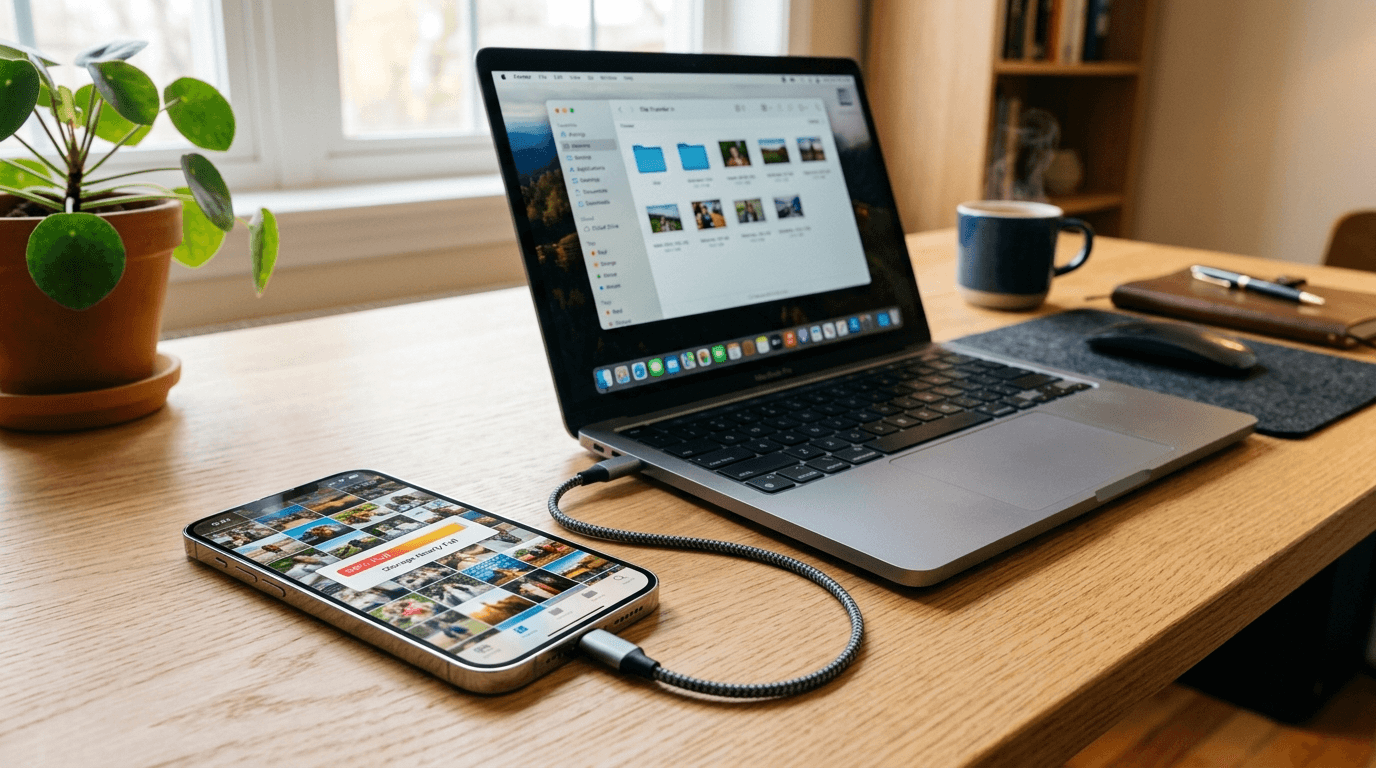
Back up first. On iPhone: Settings > your name > iCloud > iCloud Backup, or connect to a computer and back up via Finder or iTunes. On Android: Settings > Google > Backup, and consider syncing your photos to Google Photos. Confirm the backup completed before you continue.
A factory reset wipes the phone to its original factory state. No apps, no settings, no cached data, no fragmented storage. Reinstall only what you actually use afterward. Many people find the phone feels genuinely faster after a reset, even with the same apps reinstalled, because the underlying system is clean.
On iPhone: Settings > General > Transfer or Reset iPhone > Erase All Content and Settings. On Android, usually: Settings > General Management > Reset > Factory Data Reset.
When it is time for a new phone
A reset and a fresh battery sort out most slow phones. The one situation where maintenance stops helping is a phone that has aged out of software support.
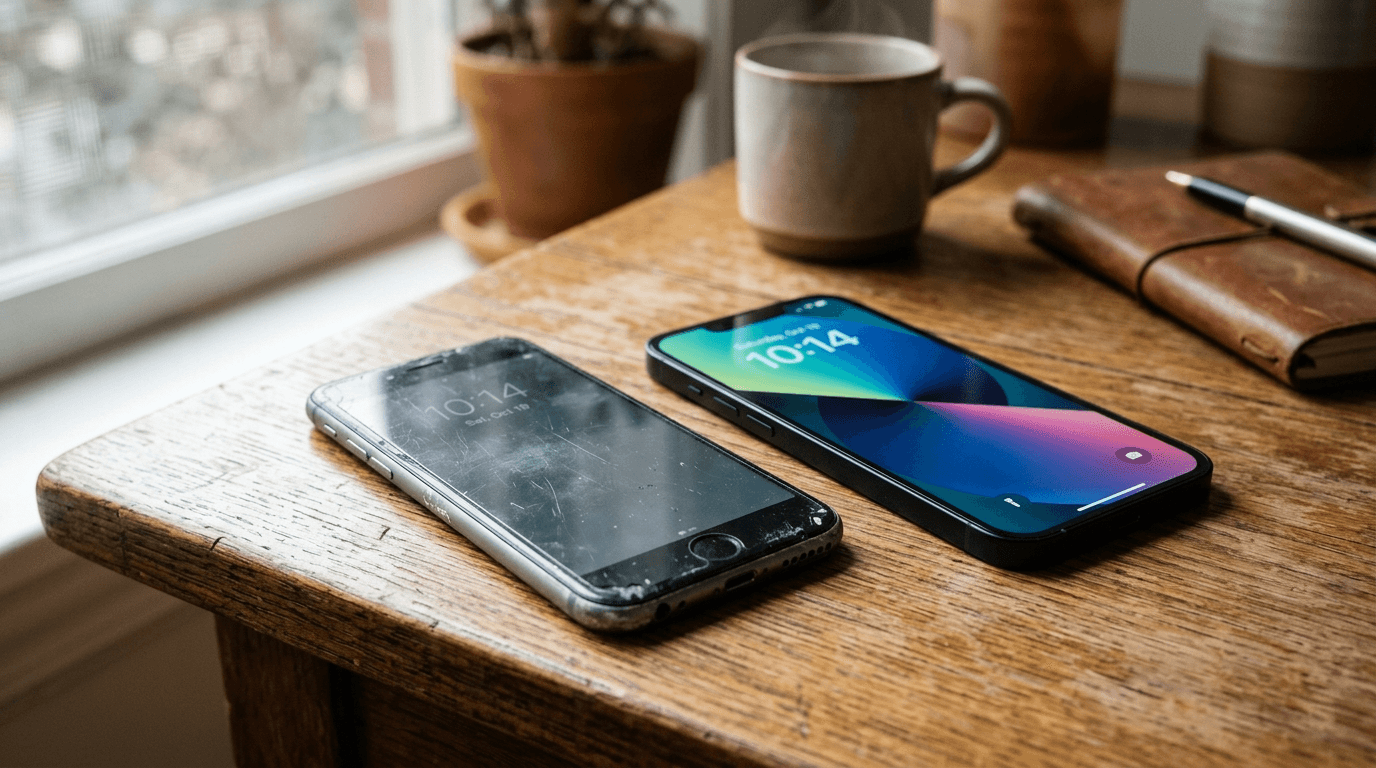
When a manufacturer stops releasing OS updates - five to seven years out for most iPhones, three to five years for Android flagships - the hardware falls behind what current apps expect. App developers build for newer chips and more RAM. A phone running a two or three-year-old OS feels slow next to anything recent, and that gap keeps widening.
If your phone has gone more than a year without an OS update, is still sluggish after a factory reset, and a battery swap did not change things, start shopping rather than troubleshooting.
Frequently Asked Questions
Senior Staff Writer
Alex has covered telecom, smartphones, and business communications for eight years. Before DeltaThree, he tested gear for a carrier trade publication and ran the wireless desk at a consumer tech site. He pays his own phone bill.