How to tell if your phone is unlocked

Figuring out whether your phone is locked or unlocked used to mean calling your carrier and hoping you got someone helpful. Now it's usually a few taps away - in Settings, or via a SIM swap you can run in two minutes. Worth knowing any time you want to switch carriers, find a cheaper plan, or travel without burning money on roaming.
This guide covers every reliable way to check on iPhone and Android, explains what a carrier lock actually does (and doesn't do), and walks through how to request a removal if you need one.
What "unlocked" actually means
A carrier lock is software that ties a phone to one network. Carriers add it when they sell phones on payment plans - it's how they prevent someone from pocketing the device and switching while still owing money. Once the phone is paid off and your account is in good standing, the restriction comes off.
What it isn't: nothing to do with your screen passcode, Face ID, fingerprint, or the iCloud/Google activation lock. Those are data security features. Separate topic. Carrier unlocking is also not the same as jailbreaking an iPhone or rooting an Android. Those modify system software and can void your warranty. Carrier unlocking is a normal, supported process that changes none of that.
One thing to keep in mind: unlocked doesn't mean the phone works perfectly on every carrier. Phones have fixed cellular radio bands, and different carriers use different bands. Most phones sold in the US cover the common US bands, so switching between the big three usually works. A phone built for another region or carrier lineup might be missing a band that matters. Unlocked means the software restriction is gone. What the hardware can do is a separate question.
How to check on an iPhone
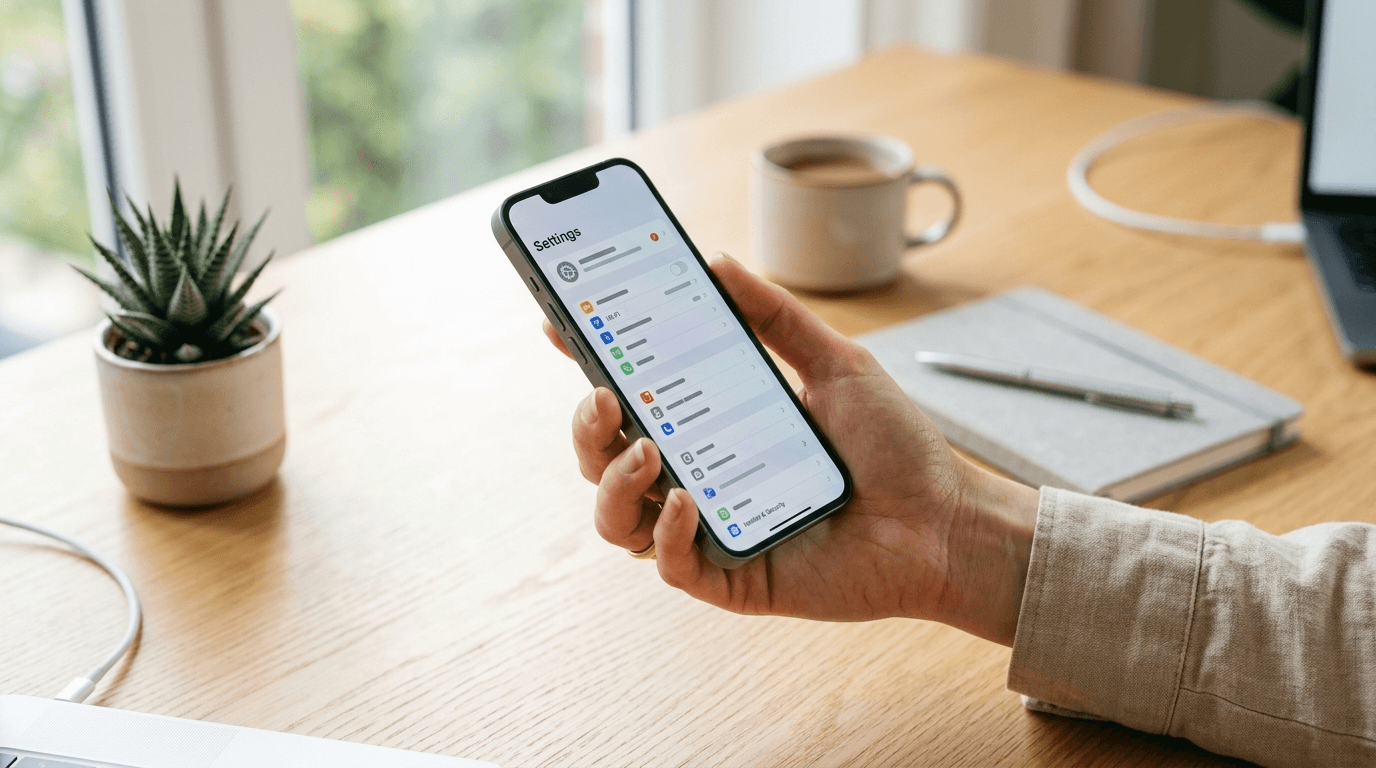
Go to Settings > General > About and scroll down to Carrier Lock. "No SIM restrictions" means the phone is unlocked. Anything else - your carrier's name, "SIM locked," a carrier-specific phrase - means it isn't.
Edge cases: no SIM installed means you might see "No SIM installed" instead of a lock status. Drop in any SIM, even a deactivated one, and check again. On older iOS versions that predate the Carrier Lock field, the setting won't appear at all. Updating iOS fixes it.
How to check on an Android phone
Android doesn't have one universal path - manufacturers set up their menus differently. Common routes by brand:
- Samsung: Settings > Connections > SIM card manager. Some models list a SIM lock setting here. Alternatively: Settings > General management > About phone.
- Google Pixel: Settings > About phone > SIM status.
- Motorola: Settings > About phone > Status > SIM status.
- Other brands: look under Settings > Security or Settings > About phone for SIM lock, SIM status, or network lock entries.
Many Android phones don't show a clear locked or unlocked field at all - the setting either doesn't exist or just says "unknown." If you can't find a straight answer in settings, the SIM swap test below is more reliable anyway.
The SIM swap test
This works on any phone and gives a definitive answer. You need an active SIM from a different carrier.
- Get a test SIM - borrow one from someone on a different carrier, or pick up a cheap prepaid SIM at a pharmacy or convenience store for a few dollars.
- Power off your phone.
- Swap your SIM for the test one.
- Power back on.
- Wait about 30 seconds for the network to register.
Signal and the ability to call or text means it's unlocked. "SIM not supported," "Invalid SIM," "SIM not provisioned," no service, or a prompt for an unlock code means it's locked to your carrier.
If your phone is eSIM-only with no physical SIM tray, you can't do this test. Use the Settings method or contact your carrier directly.
Ask your carrier or check your IMEI
No spare SIM? Ask your carrier. Most can confirm lock status in a few minutes through the app, website chat, or support line.
Having your IMEI ready speeds things up. It's the 15-digit number that identifies your specific device:
- Settings: iPhone at Settings > General > About, scroll down. Android at Settings > About phone.
- Dial pad: type *#06# into the dialer on almost any phone. The number appears immediately.
AT&T, T-Mobile, and Verizon each have online tools to check lock status by IMEI. Third-party IMEI checker sites exist but skip them - accuracy varies and some are scams. Use your carrier's official page.
How to get your phone unlocked
If the phone is locked, getting it unlocked in the US costs nothing. Under FCC guidance and the CTIA carrier commitment, US carriers have to do it for free once you meet the conditions.
The standard conditions:
- Phone is fully paid off.
- Account is active and current.
- The device has been on the network for the required minimum period - typically 40 to 60 days postpaid. Prepaid is different; some carriers require 12 months of service or a set number of recharges. Check your carrier's specific policy.
To request it:
- Log into the carrier app or website and find the device unlock option. Most have a self-serve form.
- If you can't find it, contact support and ask to submit an unlock request. Have your IMEI.
- Processing usually takes a few minutes to 24 hours. On iPhone, you may be prompted to restore over Wi-Fi. Android unlocks are usually pushed automatically.
If your carrier denies it and you think you qualify, escalate with support or file an FCC complaint. And avoid the third-party services that charge for remote unlocks - legitimate carrier unlocks are free, and the paid services are either unreliable or scams.
Why it matters
An unlocked phone means you can actually shop around. If your carrier raises prices, you can switch without buying new hardware. Our guide to switching carriers covers that whole process.
Unlocked also opens up MVNOs - carriers like Mint Mobile, Visible, and Consumer Cellular that run on the same towers as the big three but charge significantly less. Our MVNO guide helps you figure out which one fits.
Traveling? Buy a local prepaid SIM at your destination instead of paying roaming rates. If your phone supports eSIM, you can activate a travel eSIM before you even leave. Our eSIM guide covers both options.
And if you're ever selling the phone, unlocked devices go for more on every resale platform. Buyers on eBay, Swappa, and Facebook Marketplace pay a premium because they can use it on their existing carrier. A free unlock request is probably the easiest thing you can do to get more money for a device you're already planning to sell.
Frequently Asked Questions
Senior Staff Writer
Alex has covered telecom, smartphones, and business communications for eight years. Before DeltaThree, he tested gear for a carrier trade publication and ran the wireless desk at a consumer tech site. He pays his own phone bill.