What to do if your phone gets wet

Water and phones have a long, unhappy history, and almost everyone gets a turn eventually. A pocket drop into the sink, a poolside fumble, a toilet moment you will not mention. What happens in the next few minutes matters more than anything you try an hour later. The real damage usually comes not from the water itself but from the immediate reaction - plugging it back in to check, pressing every button to test it, or burying it in a bag of rice.
This guide covers what to actually do, what to skip, and how to know when you need help. The steps are simple, but the order matters, and a couple of common instincts are flat-out wrong.
What to do in the first minute
- Get the phone out of the water fast. Every extra second gives water one more path inside through ports, seams, and speaker grilles.
- Power it off immediately. This is the most important step. A short circuit while the phone is on - or charging - is what kills most water-damaged devices. Press and hold the power button and shut it down completely, even if it seems to be functioning fine.
- Do not press any buttons, swipe the screen, or try to open anything. Every interaction risks moving water further into the internals.
- Unplug it if it was charging. Electricity and water together are a serious hazard. Disconnect the charger before anything else, then shut the phone down.
Dry it the right way
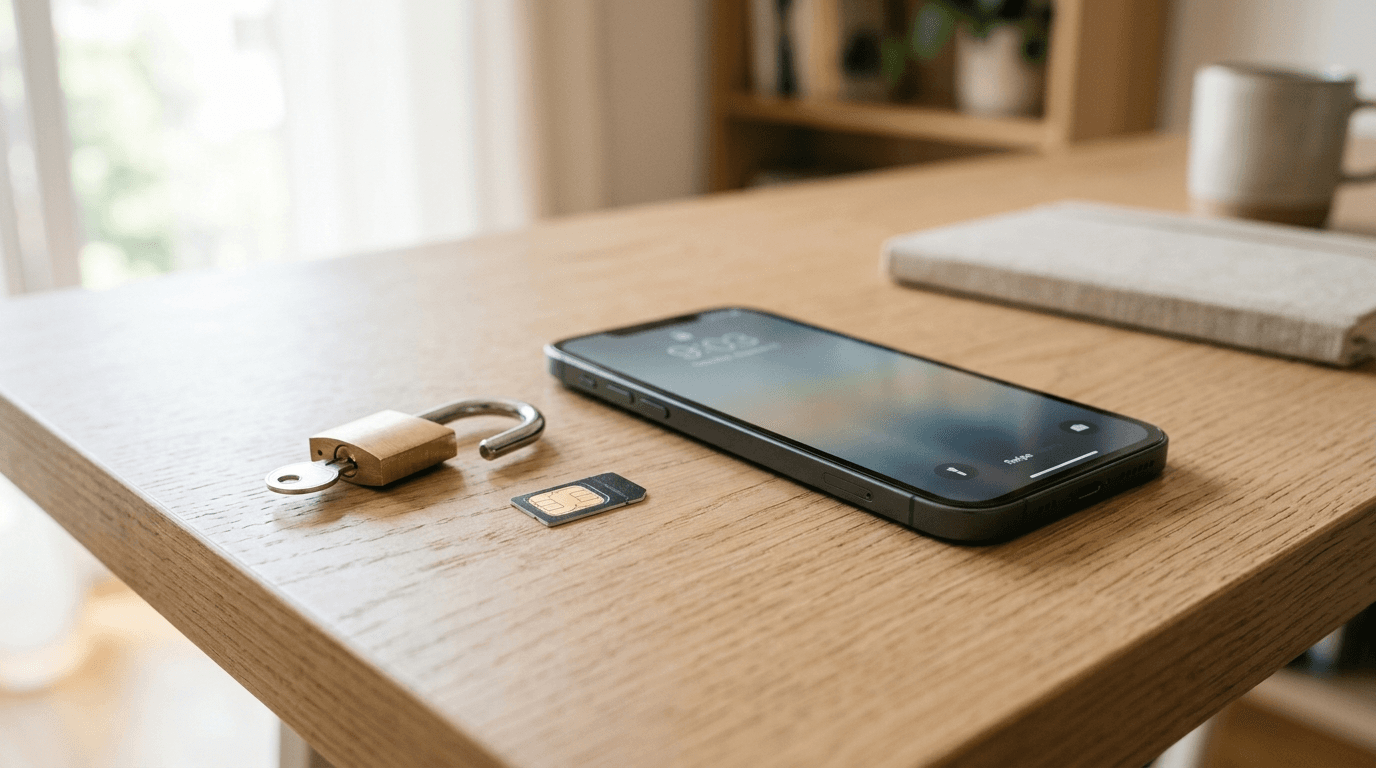
Take off your case, pop out the SIM card tray, and disconnect any accessories. These trap moisture and block airflow. Use a dry lint-free cloth or paper towel to wipe down all surfaces. The charging port, speaker grilles, and headphone jack (if your phone has one) need the most attention.
To drain water from ports and speakers, hold the phone with the charging port facing down and tap it gently against your palm a few times. Do not swing it or shake it hard. Then stand the phone upright or lean it at a slight angle in front of a fan or in a dry, airy room.
Silica gel packets are the best low-tech option for this. They are the small desiccant packets that come inside shoeboxes and electronics packaging. Seal the phone and a handful of them in a zip-lock bag for 24 to 48 hours. They pull moisture out of the surrounding air more effectively than anything else you have sitting around the house. No silica gel? Open air in a dry room works. Just do not seal the phone in an enclosed space without any desiccant.
What not to do
- Do not put your phone in rice. This is the most widely repeated advice for a wet phone, and it does not work. Rice is no more effective at removing moisture than leaving the phone in open air - and it leaves starch particles and fine dust in your charging port and speaker grilles, which is a problem you do not need.
- Do not use a hair dryer, heat gun, oven, or radiator. Heat is the enemy here. It can melt the adhesive holding your screen in place, warp plastic components, and damage the battery. Even a hair dryer on a low setting can cause harm that does not show up for weeks.
- Do not charge the phone until you are certain it is dry. Charging a wet device is one of the fastest routes to a dead motherboard or battery. Modern iPhones and many Android phones will warn you if moisture is detected in the charging port. That warning exists for a reason.
- Do not blow compressed air or breath directly into the ports. Both push water further inside.
- Do not turn it on to check whether it still works. Leave it alone.
How long to wait before turning it on
At least 24 to 48 hours. For heavier exposure - more than a brief splash, or an actual submersion - give it 72 hours.
Most people lose patience too quickly. Powering the phone on while invisible moisture is still on the logic board or battery contacts causes permanent damage far more often than the water exposure itself. A few extra hours costs nothing. Before you press the power button, check that there is no visible moisture anywhere: no fogging under the camera lens, no water droplets in any port, no condensation behind the screen glass.
If you put the phone in a silica gel bag, 24 hours is often enough. If you are using open air, 48 to 72 hours is safer. There is no way to see whether the inside of the board is dry, so you are relying on time and patience. The phone has survived this long. A few more hours will not hurt it.
Turn it on and check for damage
Once you are confident the phone is dry, power it on. If it turns on, run through a basic test before declaring it fine.
Make a call to check the microphone and earpiece. Play audio at full volume to test the speaker. Open the camera and look for fogging or condensation behind the lens. Plug in a charger and confirm the port is recognized. Tap across the screen to find dead zones or discoloration. Test the front camera too.
Muffled audio, a hazy camera view, or a battery that drains faster than normal are signs that moisture may still be present or that some damage has occurred. Give it another 24 hours before you conclude anything is permanently broken - some of these symptoms clear on their own as the last traces of moisture dry out.
One more thing worth checking is the Liquid Contact Indicator. Most phones have a small sticker inside the SIM card tray slot - visible when you eject the tray - that starts out white or silver and turns red or pink when it contacts liquid. A triggered indicator confirms water made it inside, which is useful to know before visiting a repair shop or filing an insurance claim.
Once the phone is on and you have run the basic tests, keep an eye on it for the next day or two. Intermittent problems - a speaker that cuts out occasionally, a charging port that only works at certain angles, or touchscreen areas that start misbehaving - sometimes appear over the first 48 hours as residual moisture settles or evaporates. If new symptoms appear, go back to drying for another day before drawing conclusions about permanent damage.
If it still will not work
If the phone will not turn on after 48 to 72 hours of careful drying, take it to a repair shop. A technician can open the device, clean mineral deposits and corrosion off the logic board with isopropyl alcohol, and replace individual components. Corrosion spreads over days, so sooner is better.
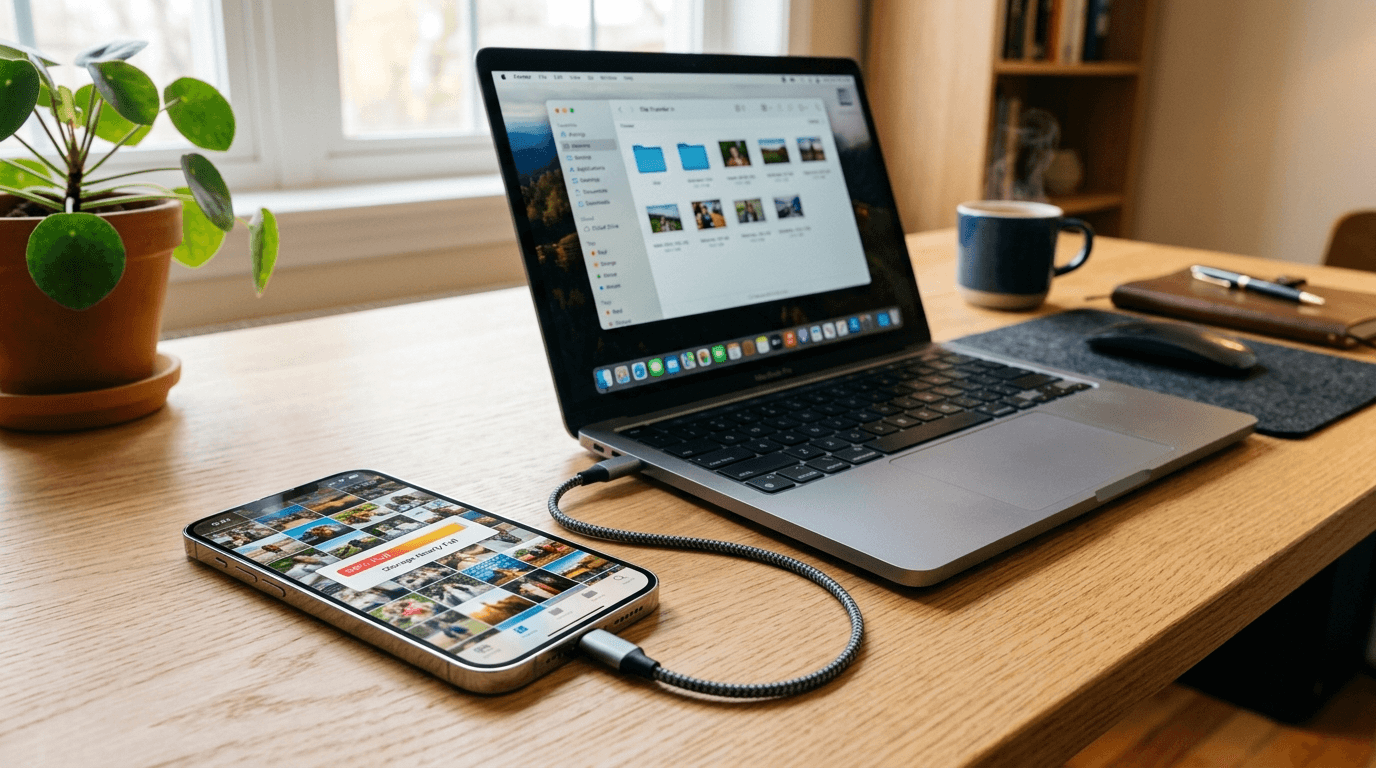
If it powers on but behaves erratically, back up your data right away. Sync photos and contacts to iCloud or Google Photos, or connect to a computer and run a full backup. Do not wait to see whether things improve. With a fresh backup, you can decide whether repair or replacement makes more sense without the clock ticking on your data.
Is your phone actually waterproof?
Most current flagship phones carry an IP67 or IP68 rating. IP67 means the device was tested against submersion to one meter of fresh water for 30 minutes. IP68 means deeper - typically 1.5 to 6 meters, depending on the model.
Those ratings have real limits. They apply to still, fresh water tested under controlled lab conditions. Salt water, pool water, and high-pressure water from a shower head or hose are outside the scope of the rating and can get past the seals more easily. The gaskets and adhesive that provide water resistance also degrade over time with normal drops, use, and prior repairs. A phone that passed IP68 testing when new may be considerably less resistant two years later.
Liquid damage is almost never covered by the standard manufacturer warranty, even on water-resistant phones. Apple and Samsung both install Liquid Contact Indicators in their devices specifically so technicians can identify water exposure before accepting a warranty claim. A triggered indicator means denial. If you want coverage, you need Apple Care Plus, Samsung Care Plus, or a third-party insurance plan - all paid add-ons that must be purchased before the incident. Check whether your credit card includes accidental damage protection before assuming you have no options.
Treat the IP rating as margin, not a guarantee. It gives your phone a reasonable chance against an accidental splash. It is not a reason to go snorkeling with it.
Frequently Asked Questions
Senior Staff Writer
Alex has covered telecom, smartphones, and business communications for eight years. Before DeltaThree, he tested gear for a carrier trade publication and ran the wireless desk at a consumer tech site. He pays his own phone bill.