iPhone 17 vs. iPhone 16: should you upgrade?

Apple iPhone 17 Pro
From $999
Apple iPhone 17
From $799
Apple released the iPhone 17 lineup in September 2025. The phones are good. The marketing makes them sound revolutionary. The honest answer to "should I upgrade?" depends almost entirely on what you are coming from.
What is actually new on the iPhone 17
A19 Pro chip
The A19 Pro is faster than the A18 Pro in the iPhone 16. Benchmarks show 12-18% performance gains in CPU and 25% in GPU. In everyday use, the difference is invisible. You will notice it if you do video editing on your phone or play graphics-intensive games. For everyone else, the chip is faster but you will not feel it.
Battery life
Apple claims up to two additional hours of video playback compared to the iPhone 16. In our testing, the iPhone 17 Pro lasted roughly 90 minutes longer than the iPhone 16 Pro under identical conditions. Real improvement, not just marketing.
Camera system
Apple updated the main sensor and added improved low-light processing. Side-by-side comparisons show meaningful improvements in challenging lighting - especially indoor shots after sunset and bright backlit scenes. Daylight photos look very similar between the two generations.
The telephoto on the Pro models now reaches 5x optical zoom (up from 4x on the 16 Pro). For users who shoot at distance, this is a useful upgrade.
Display
iPhone 17 Pro models get an anti-reflective coating that reduces glare in direct sunlight noticeably. Standard iPhone 17 keeps the existing display. Pro Max gets a slightly larger 6.9-inch display (up from 6.7 on the 16 Pro Max).
What stayed the same
USB-C port. Dynamic Island. Same general design language. ProMotion (120Hz) is still Pro-only. The base iPhone 17 still has a 60Hz display.
Software support window is the same: seven years from launch. If you buy an iPhone 17 today, expect iOS updates through 2032. The iPhone 16 will receive updates through 2031.
Upgrade or wait?
iPhone 16 owners
Skip. The improvements over the 16 are nice but not enough to justify the cost. Your iPhone 16 will work great for at least another two to three years and continue receiving software updates through 2031.
iPhone 15 owners
Marginal. The 17 brings real but modest gains over the 15. If your 15 still works well, wait one more cycle. If you were planning to upgrade anyway, the 17 is the right choice over a used 16.
iPhone 14 owners
Worth considering. Two-generation jumps deliver more noticeable improvements - better camera, longer battery life, faster overall responsiveness. The Action Button (introduced on 15 Pro) and the larger displays may matter to you.
iPhone 13 or older
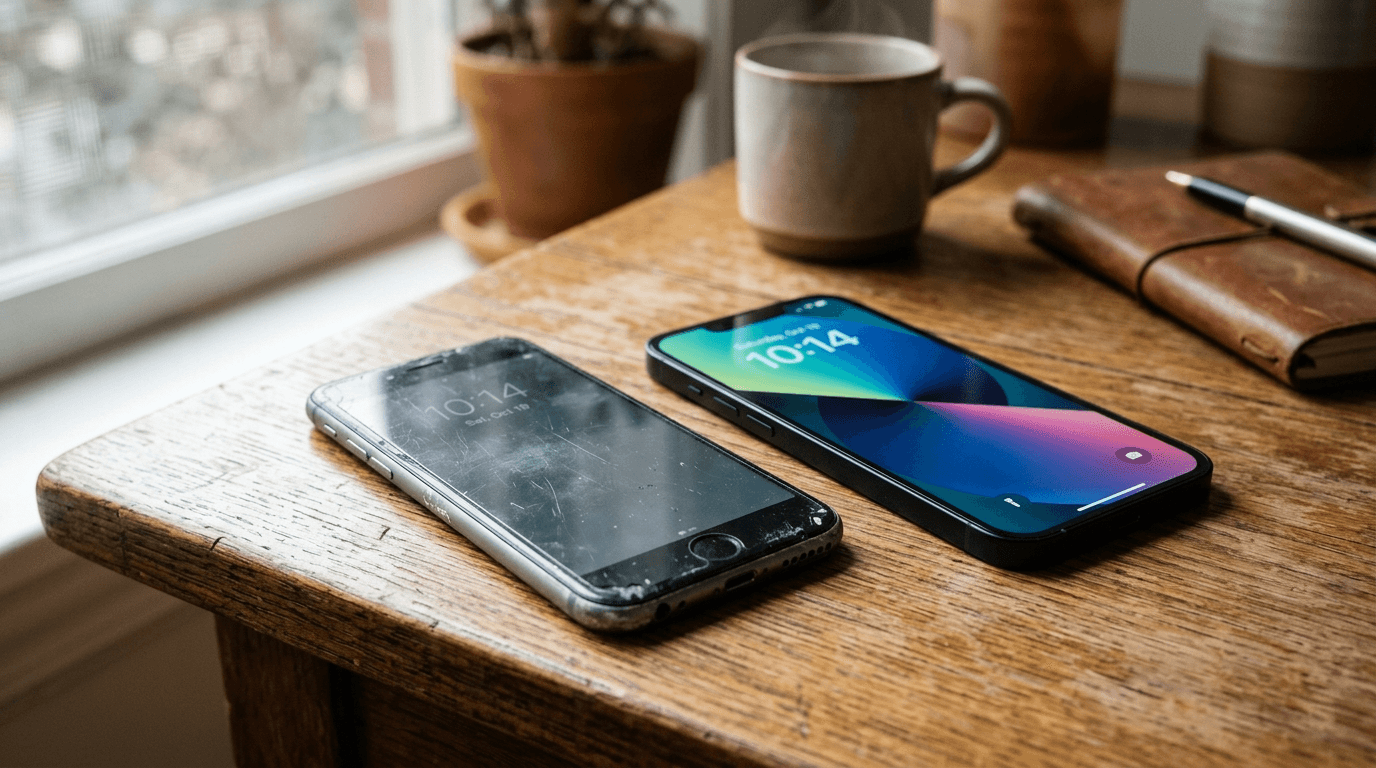
Yes, upgrade. The gap between iPhone 13 and iPhone 17 is substantial in every dimension that matters for daily use. Battery health on a four-plus year old phone is also typically degraded. Trade-in value on the 13 is decent right now.
Frequently Asked Questions
Senior Staff Writer
Alex has covered telecom, smartphones, and business communications for eight years. Before DeltaThree, he tested gear for a carrier trade publication and ran the wireless desk at a consumer tech site. He pays his own phone bill.